 Community
 Video Library
 Agent Training
 Freshservice
 Freshdesk
 Freshchat
 Freshcaller
 Freshsales
 Freshteam
 Freshworks Neo
 Freshsurvey
 Sprout
Please navigate to Admin -> Account -> Helpdesk Settings to change the portal name displayed on the left side of the navigation bar.
You will find a field called Helpdesk name in the Helpdesk settings, where you can enter the desired helpdesk name.
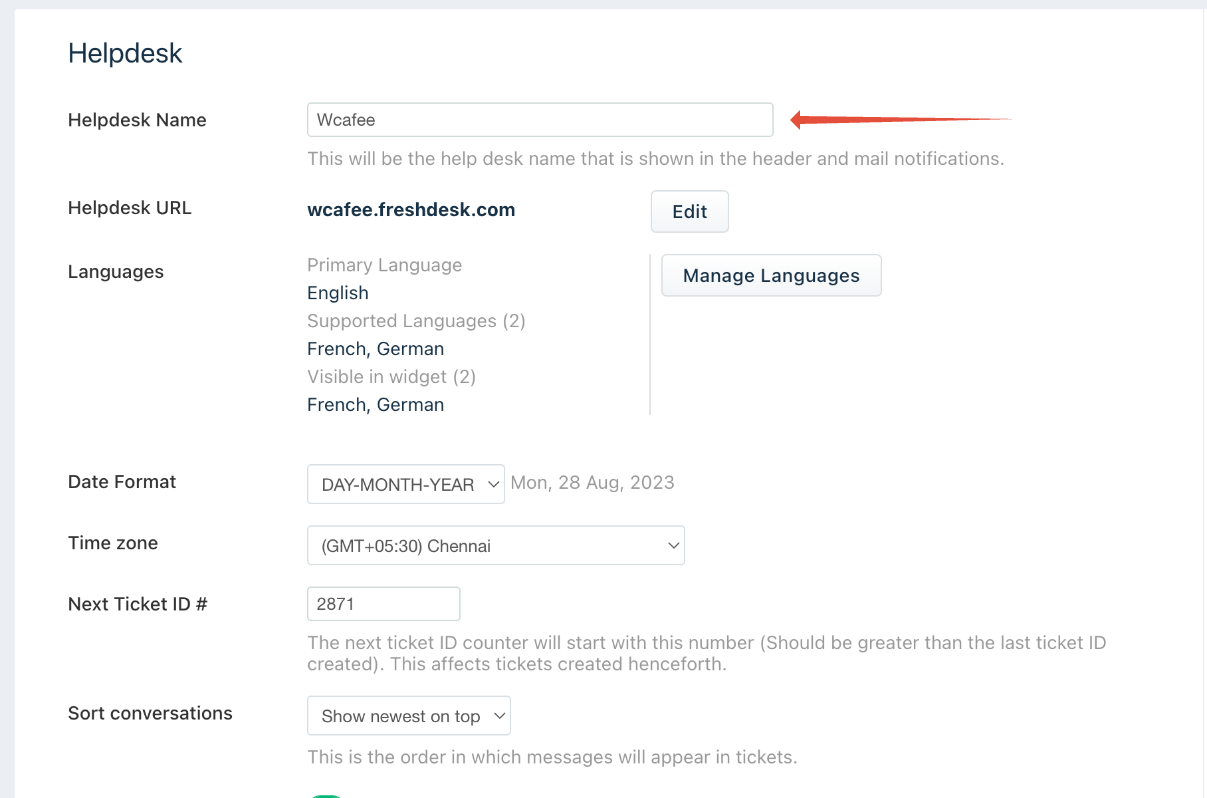

How do I change the Helpdesk name in the left corner on the Agent portal?